
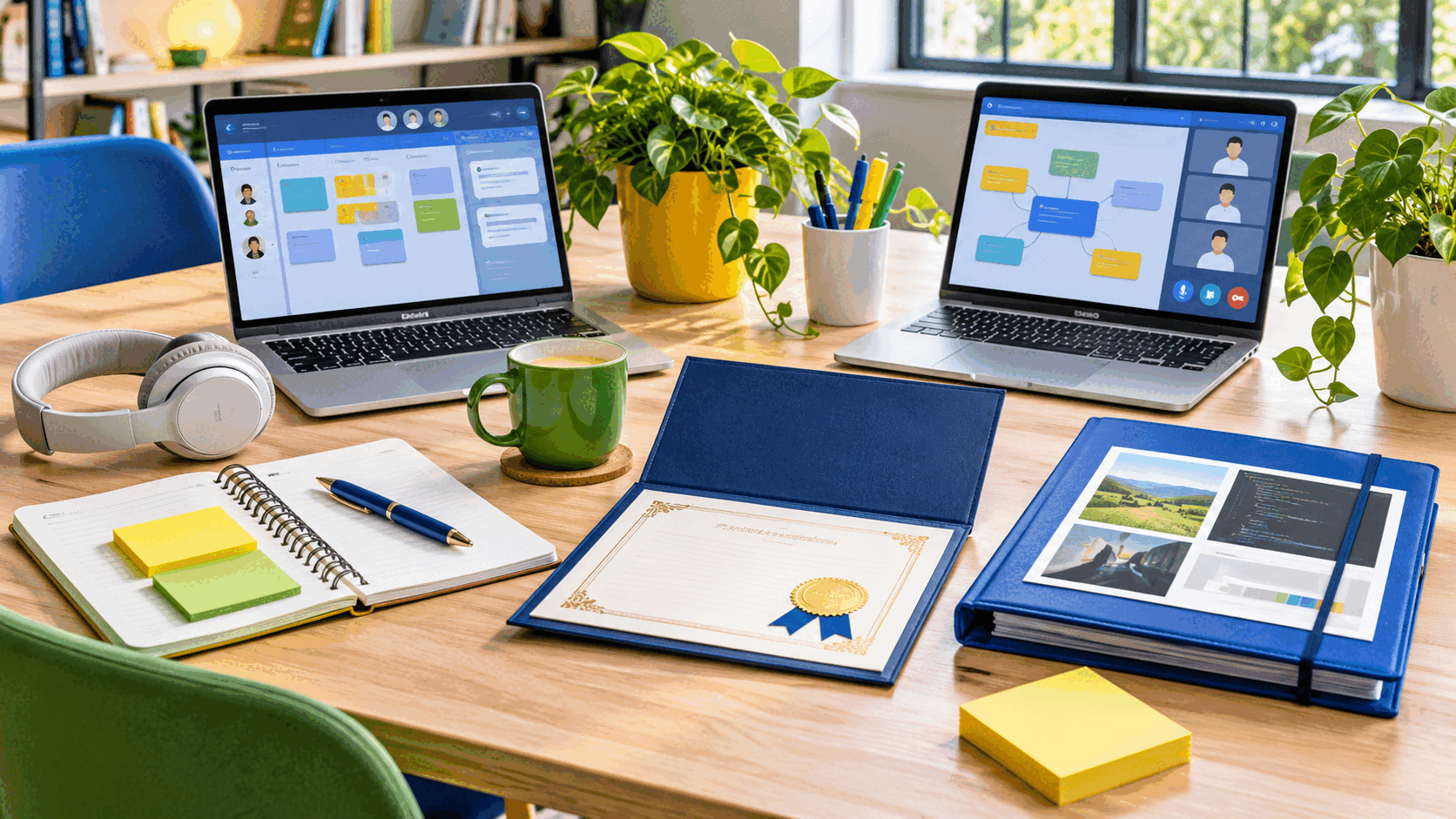
A learning portfolio is a curated collection of evidence that shows what a person is learning, how the work developed, and what the learner can do now. It can support a course, application, performance review, career change, certification, or personal development plan.
The word curated matters. A portfolio is not a storage dump containing every assignment. It selects the strongest and most relevant evidence, adds context, and helps an audience understand the learner's decisions and growth.
Define the Portfolio's Purpose
Start with one primary audience and outcome. A classroom portfolio may need to demonstrate progress against course standards. A job-search portfolio may emphasize work that resembles a target role. An application portfolio may follow a required prompt, format, or skill list.
Write a one-sentence purpose: "This portfolio shows my ability to research, analyze, and explain public-health data for a nontechnical audience." That statement makes selection easier. A beautiful project that does not support the purpose may belong in the archive, not the current portfolio.
Review any rubric, employer requirement, application instruction, or credential standard before choosing a platform. Content and evidence should drive the structure. A flashy template cannot compensate for missing proof.
Create a Private Master Archive
Maintain a private folder containing projects, drafts, feedback, permissions, source files, and notes. Organize it by date, course, skill, or project. Use descriptive file names and keep an additional backup in an approved location.
The master archive can be larger than the shared portfolio. It gives the learner material to adapt for different audiences without publishing everything. It also preserves process evidence that may disappear when a school account closes or a course platform becomes unavailable.
Export work from institution-managed systems before access ends, while following school and data policies. Use common file formats when possible.
Select Evidence, Not Just Products
Choose artifacts that demonstrate the capabilities named in the purpose statement. An artifact might be a paper, design, analysis, presentation, code sample, lab report, performance recording, lesson plan, spreadsheet, project plan, assessment, or photograph of physical work.
A strong collection shows range without repetition. Three nearly identical beginner exercises say less than an early attempt, a revised project, and an independent application. Include results only when they are accurate and can be explained. Do not invent client outcomes, sales, traffic, grades, or impact.
Process evidence can be as valuable as the final product. Research notes, sketches, test plans, revision histories, decision logs, and feedback show how the learner works. Select only enough process material to clarify the story.
Explain Every Artifact
Do not make the viewer guess why an item matters. Add a short case note with six parts: goal, audience, constraints, your role, process, and result. Then name the capability demonstrated and the next improvement you would make.
For a group project, identify your contribution precisely. "Our team created a campaign" is incomplete when the audience needs to evaluate your skill. Explain which research, writing, analysis, design, presentation, coordination, or quality check you performed. Credit teammates and do not imply sole authorship.
For a practice project, label it as self-directed, simulated, or completed for a course. A realistic scenario is useful evidence when it is presented honestly. It should not be described as paid client work or a live business result.
Show Growth Through Revision
A learning portfolio becomes more meaningful when it reveals change. Pair an early draft with the revised version and explain which feedback influenced the revision. Use a short annotation to point out a corrected misconception, stronger method, clearer explanation, or more accessible design.
Reflection should be specific. "I learned a lot" gives little evidence. A stronger note might explain that an early chart used an inappropriate scale, that feedback revealed the problem, and that the revision changed both the scale and the written interpretation.
Include challenges without turning the portfolio into a confession. The goal is to demonstrate accurate self-assessment and a responsible response. Explain the constraint, action, result, and remaining limitation.
Use Credible Supporting Information
Attach the relevant assignment prompt, rubric excerpt, assessment criteria, or credential objective when permission allows. Cite sources used in the work. If an instructor, supervisor, or reviewer provided feedback, obtain permission before quoting or identifying that person.
Grades can provide context, but they rarely explain performance by themselves. A viewer may learn more from the rubric, work sample, and revision note. Do not publish transcripts, student identification numbers, private feedback, or education records in a public portfolio.
Credentials should include the official name, issuer, issue date, verification link or identifier when appropriate, and expiration date. Do not call a course certificate a professional certification or license.
Protect Privacy and Intellectual Property
Remove names, contact details, account numbers, health information, financial information, internal business data, and other sensitive content. Obtain written permission before sharing employer, client, research-participant, or classmate material. Some work may be covered by a confidentiality agreement or institutional policy.
When public display is not allowed, create a sanitized case study, describe the process without revealing protected details, or prepare a private demonstration for an authorized reviewer. Redaction must remove information from the underlying file, not merely place a black shape over visible text.
Respect copyright and licenses. Credit images, code, datasets, templates, and collaborators. State what is original and what was supplied. Do not publish answer keys, restricted course materials, or proprietary exam content.
Make the Portfolio Accessible
Use a clear heading structure, readable contrast, descriptive page titles, and link text that explains the destination. Add concise alt text to informative images. Provide captions for video and transcripts for audio. Do not rely on color alone to communicate meaning.
Check keyboard navigation and reading order. Exported PDFs should contain selectable text, meaningful tags, and a logical sequence when the format supports them. Avoid tiny screenshots of text when the same content can be presented as real text.
The Web Content Accessibility Guidelines from the World Wide Web Consortium provide a useful technical reference. Accessibility also improves the experience for mobile users, people with slow connections, and viewers scanning the portfolio quickly.
Choose a Simple, Durable Format
A portfolio can be a website, slide deck, document, repository, learning platform, or combination. Choose based on the evidence and audience. Code may belong in a repository with documentation. Visual design may benefit from a website. A regulated application may require a fixed document.
Test the portfolio in a private browser window and on a phone. Ask another person to follow the navigation without explanation. Fix restricted files, broken links, missing labels, and media that starts unexpectedly.
Build a Clear Structure
A useful structure begins with a short introduction and purpose, followed by three to six selected projects. Each project receives a case note and evidence. A skills or outcomes page can connect artifacts to the target requirements. Finish with credentials, a concise learning reflection, and appropriate contact information.
Do not repeat the same introduction on every page. Put the strongest evidence early. Use consistent project headings so viewers can compare items. Provide a downloadable version only when it helps the audience and does not expose private information.
For a course portfolio, consider organizing by learning outcome rather than assignment date. This makes the connection to the rubric explicit and can reveal when an outcome lacks evidence.
Maintain the Portfolio
Review the portfolio at the end of each course, project, or quarter. Add new evidence to the master archive, update one reflection, test links, verify credentials, and remove weaker or outdated examples. Record the review date.
Adapt the public selection to the next audience. A portfolio for a writing role may emphasize research and revision. A project coordination role may need plans, status communication, risk handling, and results. The archive remains the same while the curated view changes.
Keep a simple evidence gap list. If a target role requires presentation, collaboration, or a specific technical method that the portfolio does not show, turn that gap into the next learning project.
Frequently Asked Questions
How many projects should a learning portfolio include?
Use enough to prove the target capabilities without overwhelming the viewer. Three to six strong projects are often easier to evaluate than a long unfiltered archive, but formal programs may require more.
Can I include unfinished work?
Yes, when the purpose is to show process or growth. Label the status, explain what remains, and do not present an unfinished result as final.
What if my best work was completed by a team?
Include it only when sharing is permitted. Credit the team and describe your own contribution, decisions, and evidence precisely.
Do I need a personal website?
No. Use a format that suits the evidence, audience, access requirements, and your ability to maintain it. Clarity and credibility matter more than a custom site.
Related MTDLN reads: Goal Setting for Academic Success · Note-Taking Methods That Work · Self-Paced Learning Strategies